Features
Everything you need to create a digital roadmap for your legacy. Encrypted, synced, and ready for the people who matter most.
Organization
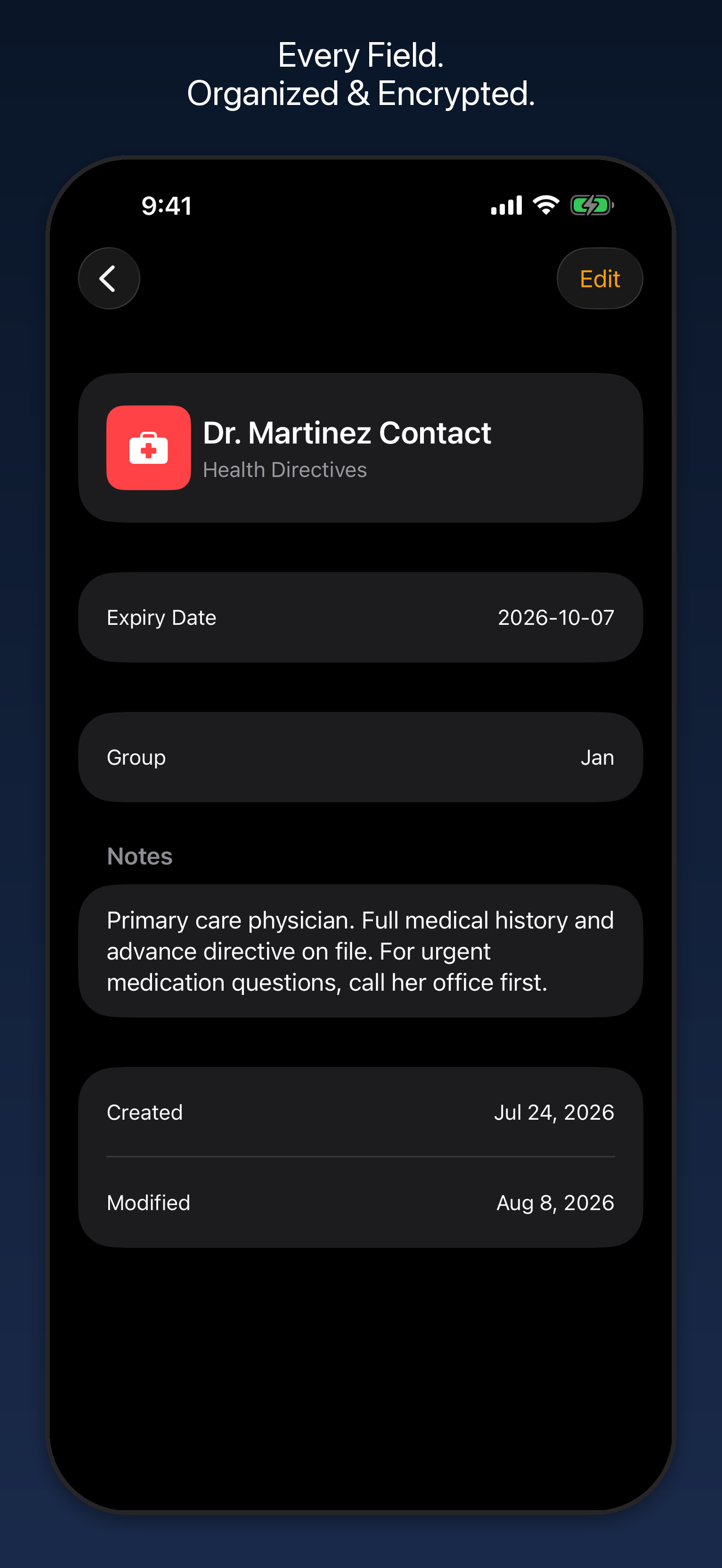
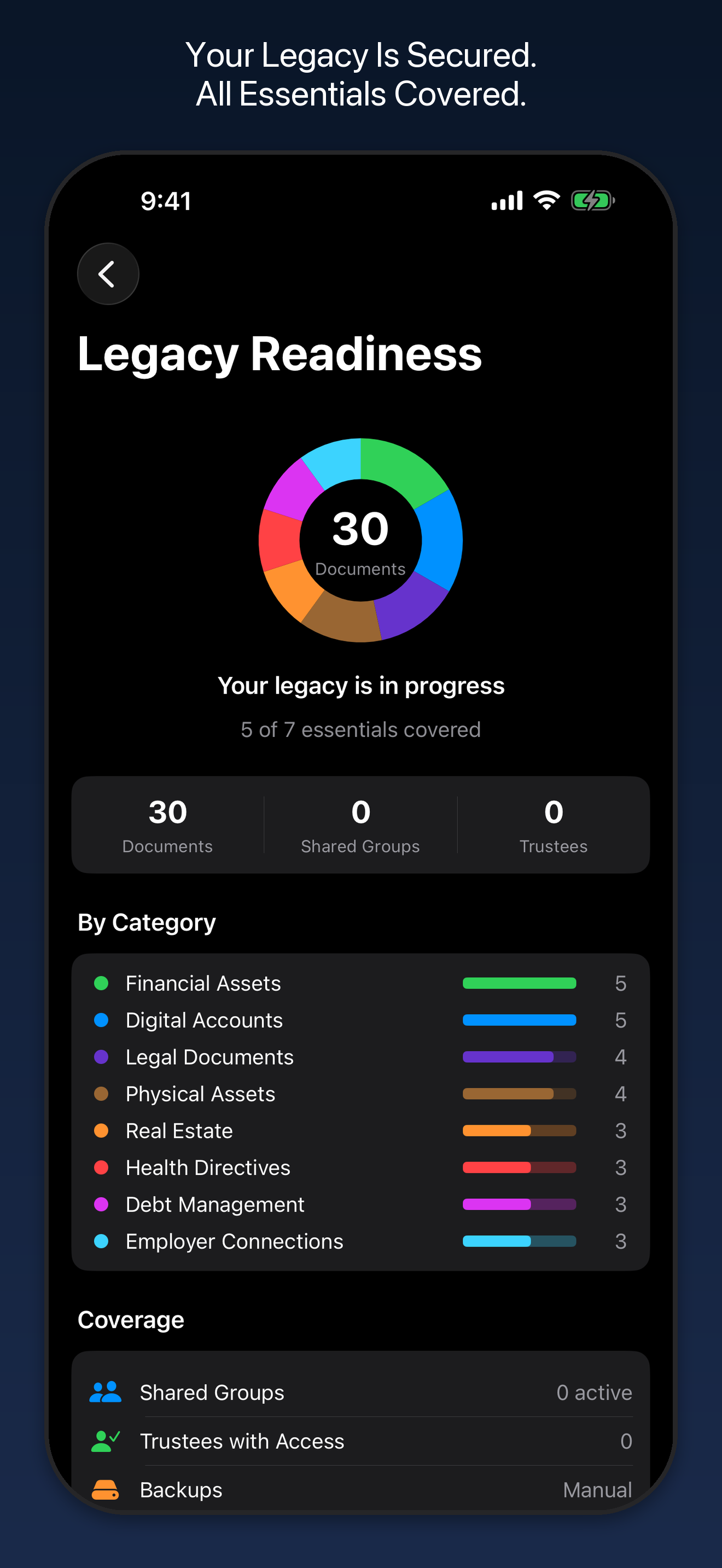
- 8 categories with guidance-oriented fields
- Favorites and review reminders
- Attachments from camera, photos, or files
- Export as CSV, JSON, or encrypted .klgcy
Search & Access
- Voice search: tap the mic in the search bar and speak to search your documents
- Search across titles, fields, and categories
- Offline-first with automatic iCloud sync
- Automated backup schedules (daily, weekly, monthly)
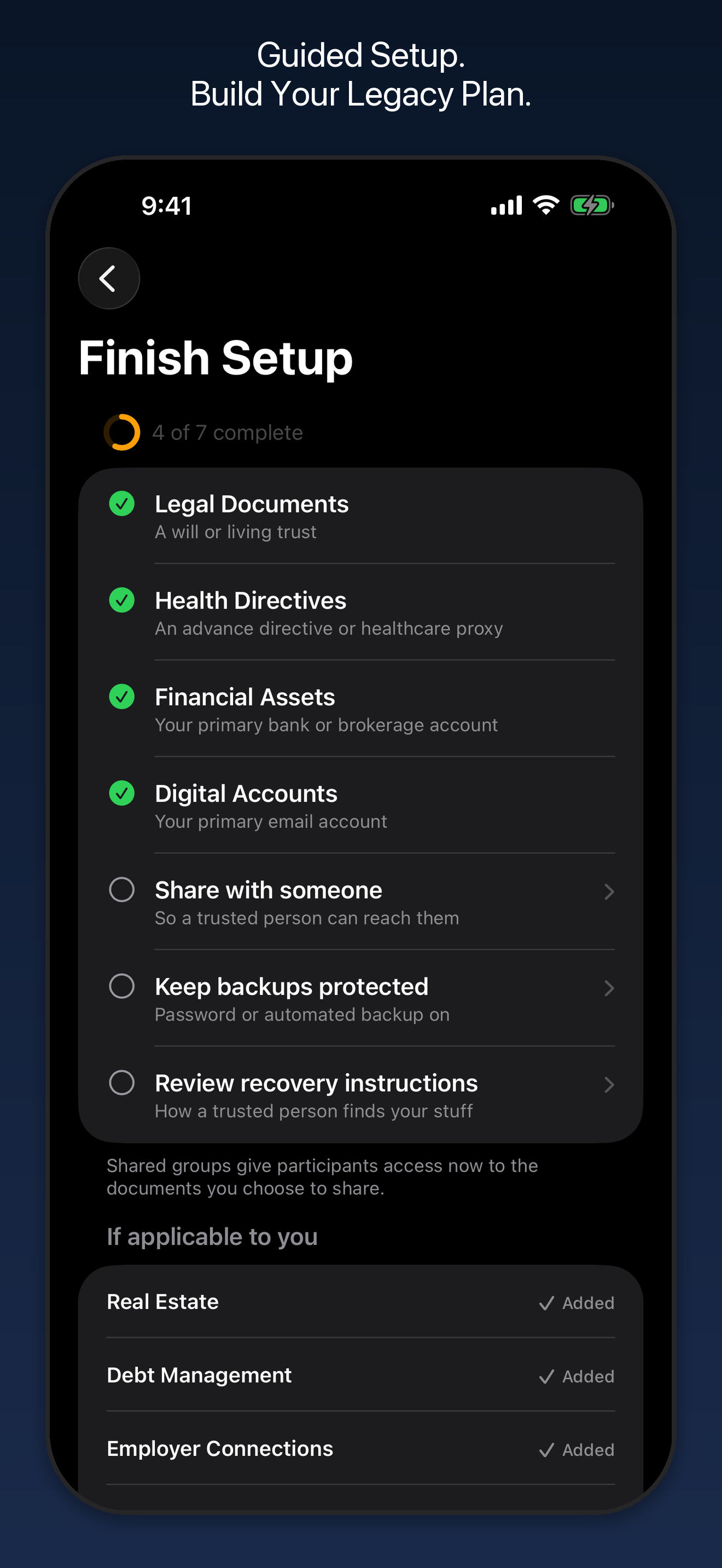
Guided Setup
A built-in checklist walks you through getting truly ready, then routes you straight into the right screen for each step.
- Covers the four essential categories plus a shared group, backup protection, and recovery instructions
- Tracks your progress and shows what's left to do
- Hide any item you've handled outside the app
- Derived from your existing documents, so nothing extra is stored
Shareable Recovery Instructions
Export a single-page printable PDF your family can keep, so they know who to reach when the time comes.
- Lists your shared group names and trustees with optional contact details
- Contains no encryption keys, no backup password, no document contents, and no account credentials
- Print it, store it safely, and update it whenever your plan changes
- Exported from iPhone or iPad; viewable and managed from iPhone on Mac
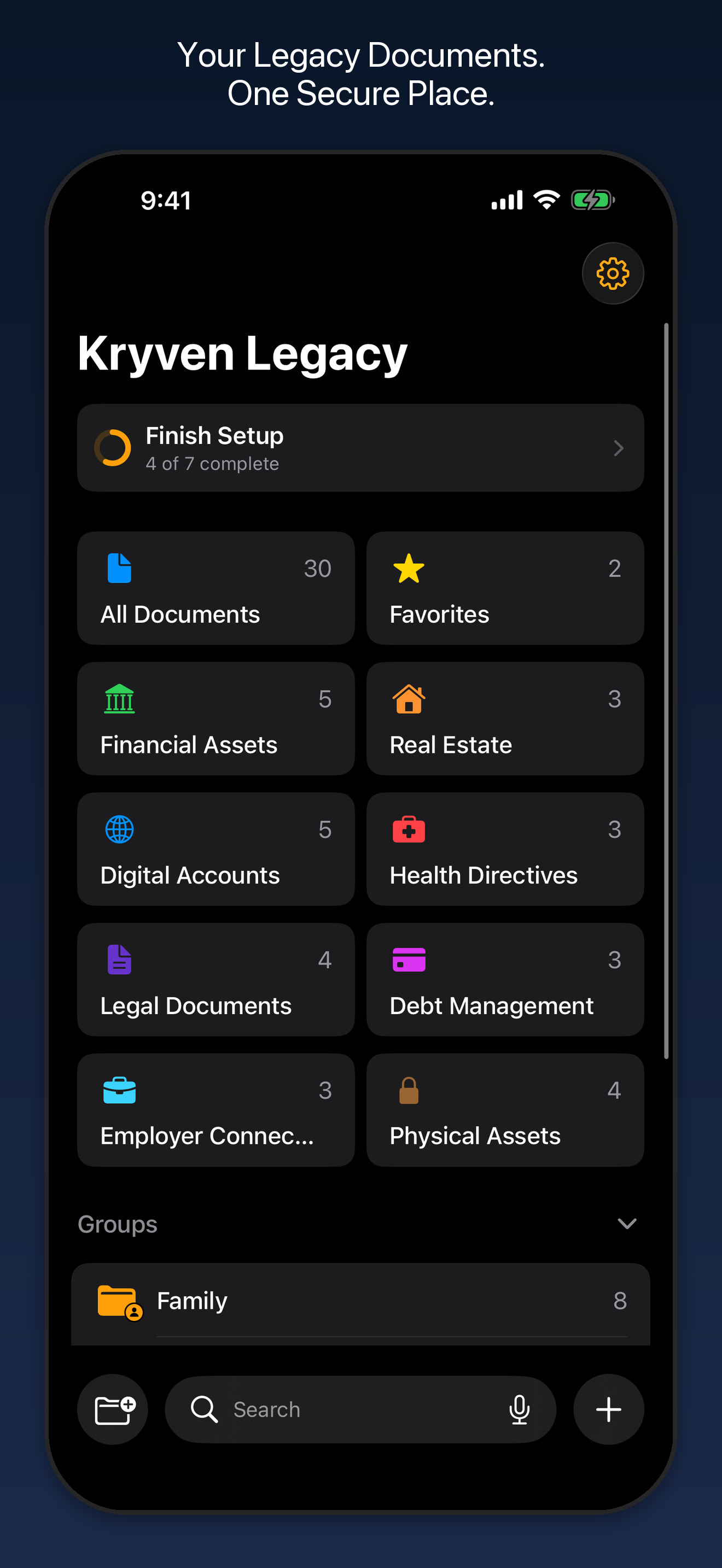
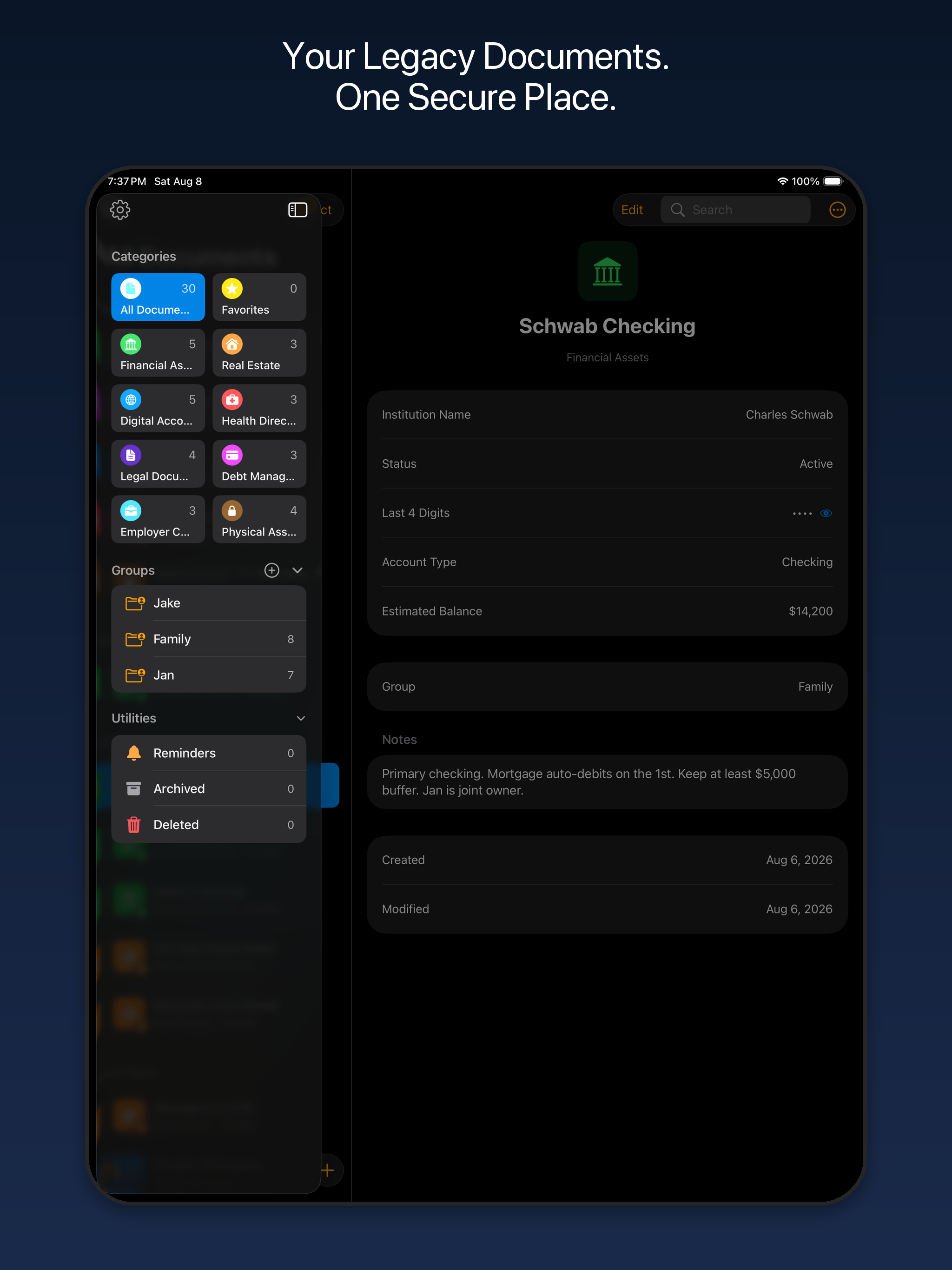
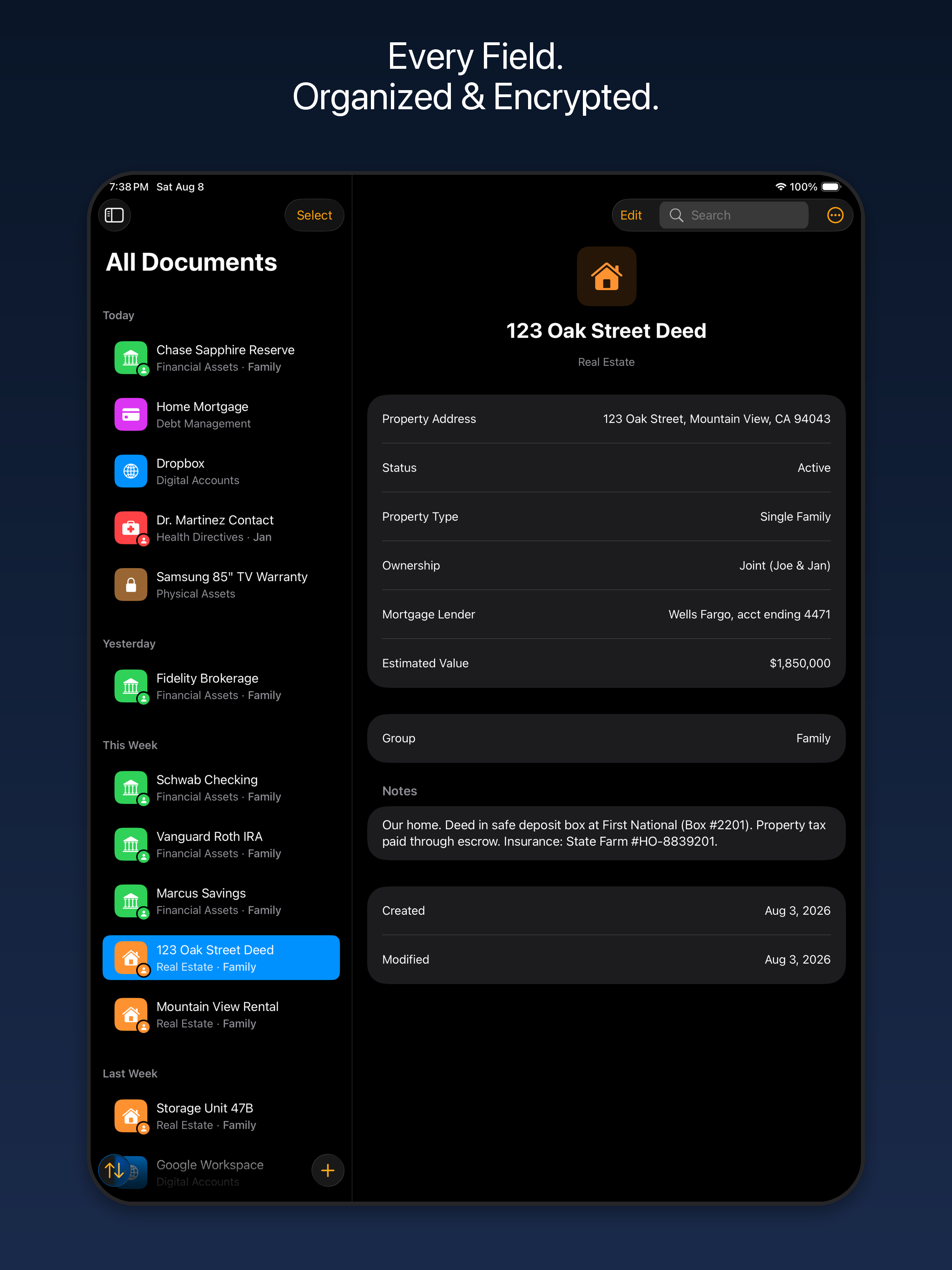
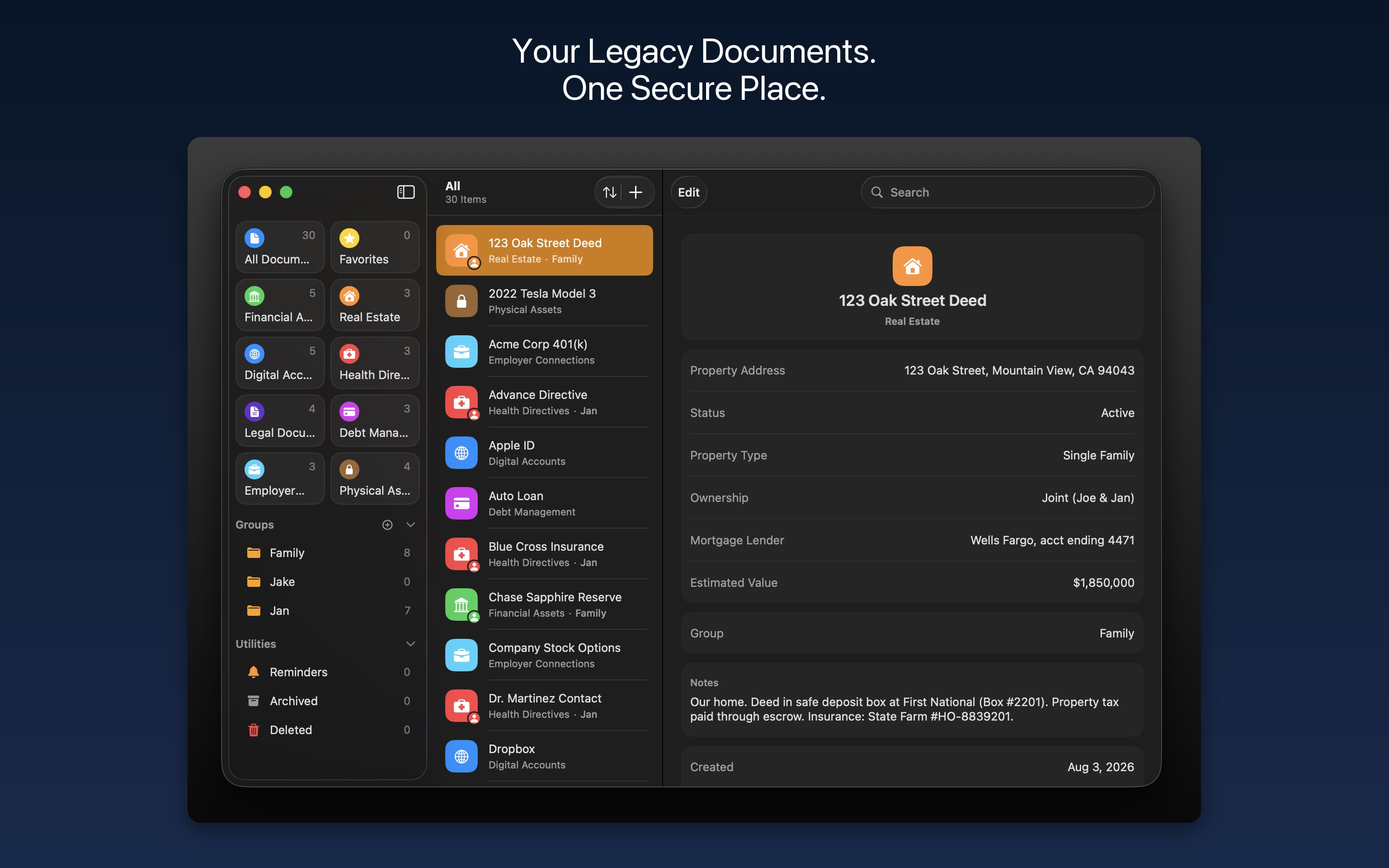
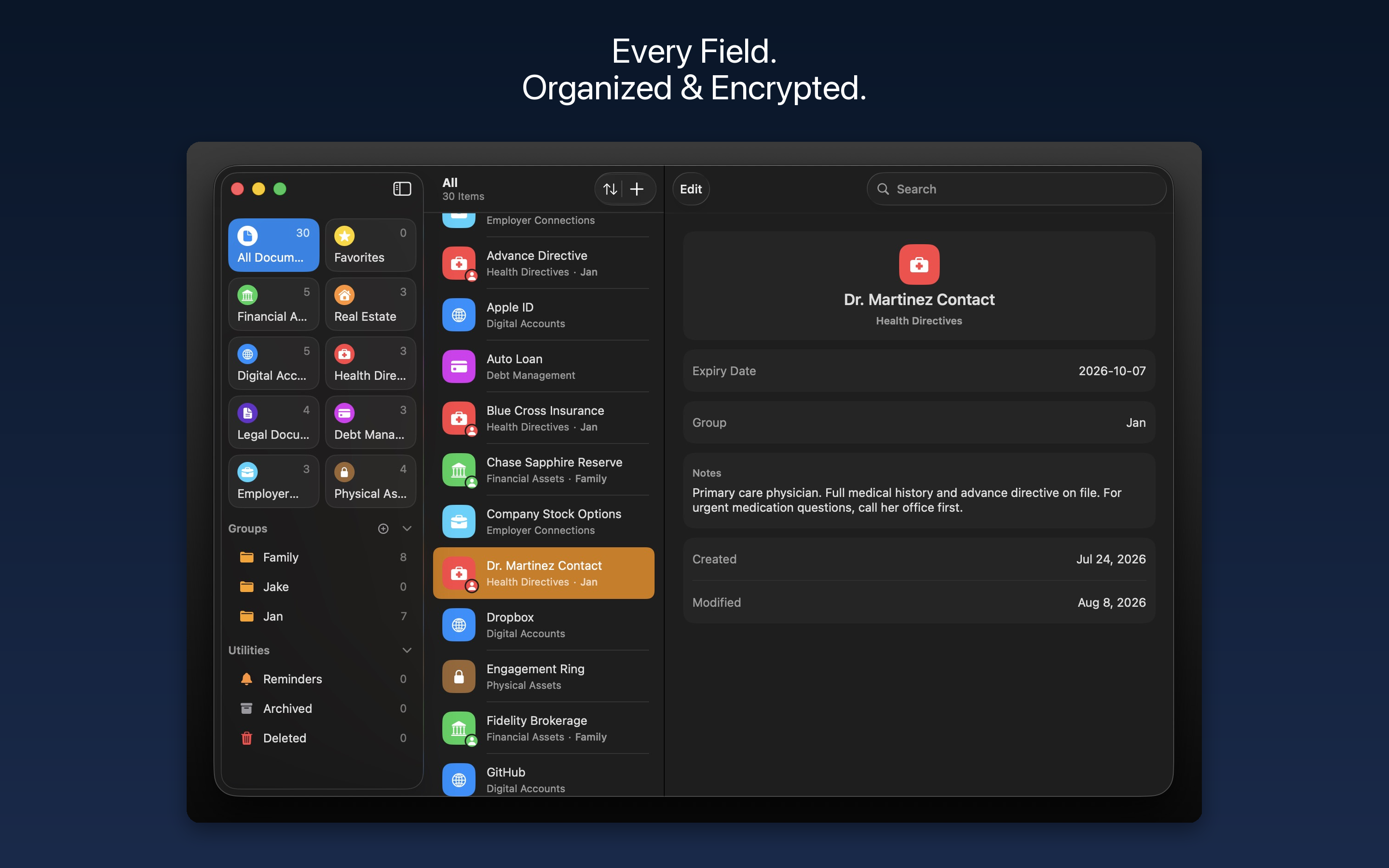
Eight Legacy Categories
Financial Assets
Real Estate
Digital Accounts
Health Directives
Legal Documents
Debt Management
Employer Connections
Physical Assets
Available in 8 Languages
English
French
Spanish
German
Portuguese (Brazil)
Japanese
Chinese (Simplified)
Hindi
See It in Action: iPhone
See It in Action: iPad
See It in Action: Mac
Start Organizing Your Legacy
Start free with 10 documents and upgrade when you need more. For full plan details, see Pricing. For full document storage, see Kryven Vault.